
Assign instructors to classes, no back-and-forth
Smart instructor assignments
Match instructors to classes based on availability and keep every assignment organized in the training schedule.


Recorded from the moment it's scheduled
Assign instructors to sessions, match availability, and keep trainer assignments connected to the training schedule.
Matching instructors to classes manually

Assignment tracked separately
When instructor-to-class assignments are tracked outside the training schedule, administrators lose a single, reliable view of who is teaching which session.
Assignment tracked separately
When instructor-to-class assignments are tracked outside the training schedule, administrators lose a single, reliable view of who is teaching which session.

No link to the calendar
Without assignments tied directly to the schedule, a session can go live without a clearly assigned instructor recorded against it.
No link to the calendar
Without assignments tied directly to the schedule, a session can go live without a clearly assigned instructor recorded against it.

Slower coordination
Coordinating which instructor covers which class across multiple batches becomes slower without a centralized way to view and manage assignments.
Slower coordination
Coordinating which instructor covers which class across multiple batches becomes slower without a centralized way to view and manage assignments.
Assigning a class, step by step
e-trainia connects class assignment to the same scheduling system used for batches, rooms, and attendance, keeping instructor-to-session matching straightforward.
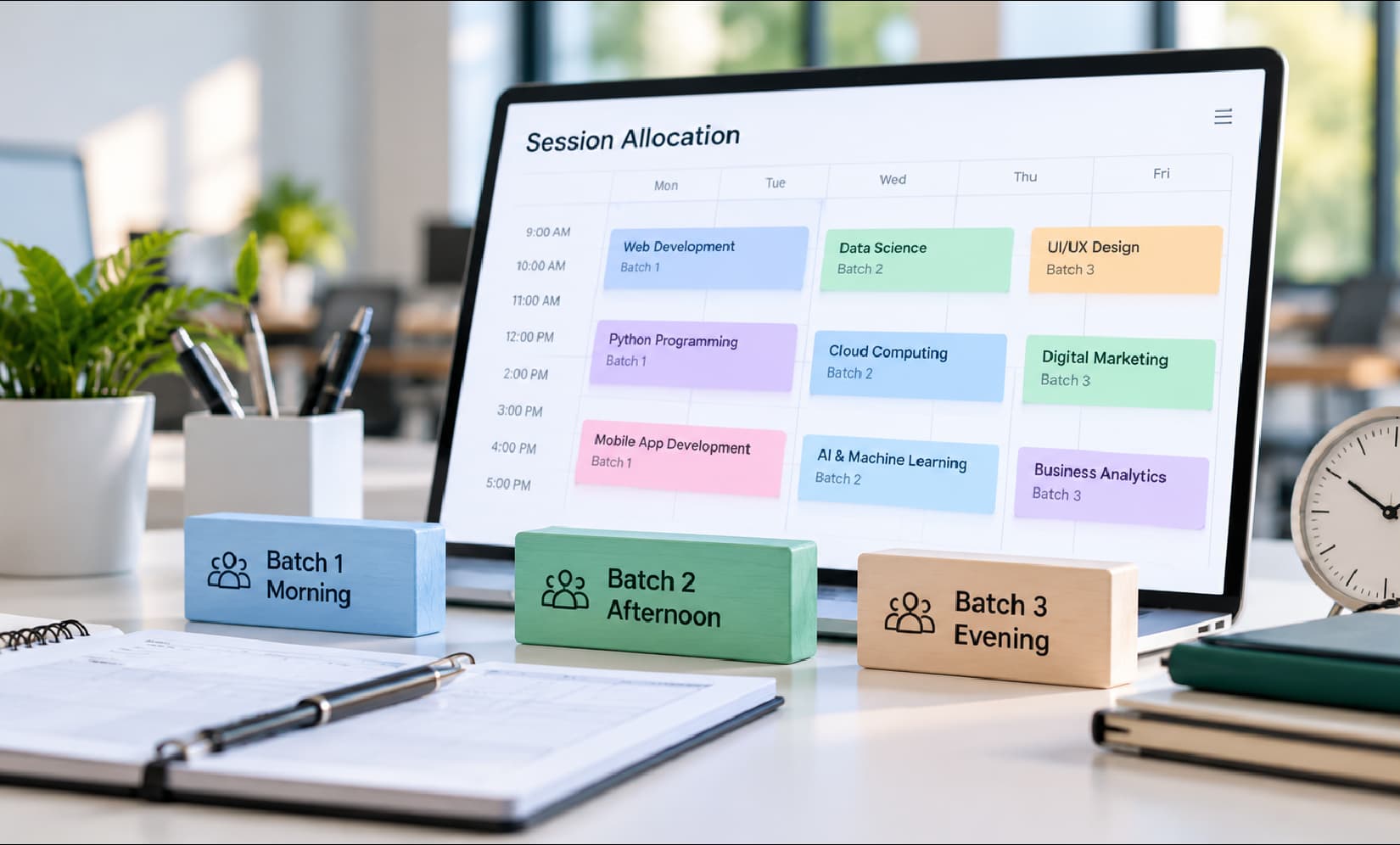
Session allocation
Match a session to the instructor assigned and confirmed available to teach it.
- Session matched to trainer
- Tied to the calendar
- Consistent across batches

Trainer assignment
Assign the instructor to the class directly, recording the assignment as part of the session’s schedule.
- Assignment recorded per class
- Visible from scheduling
- Centrally tracked
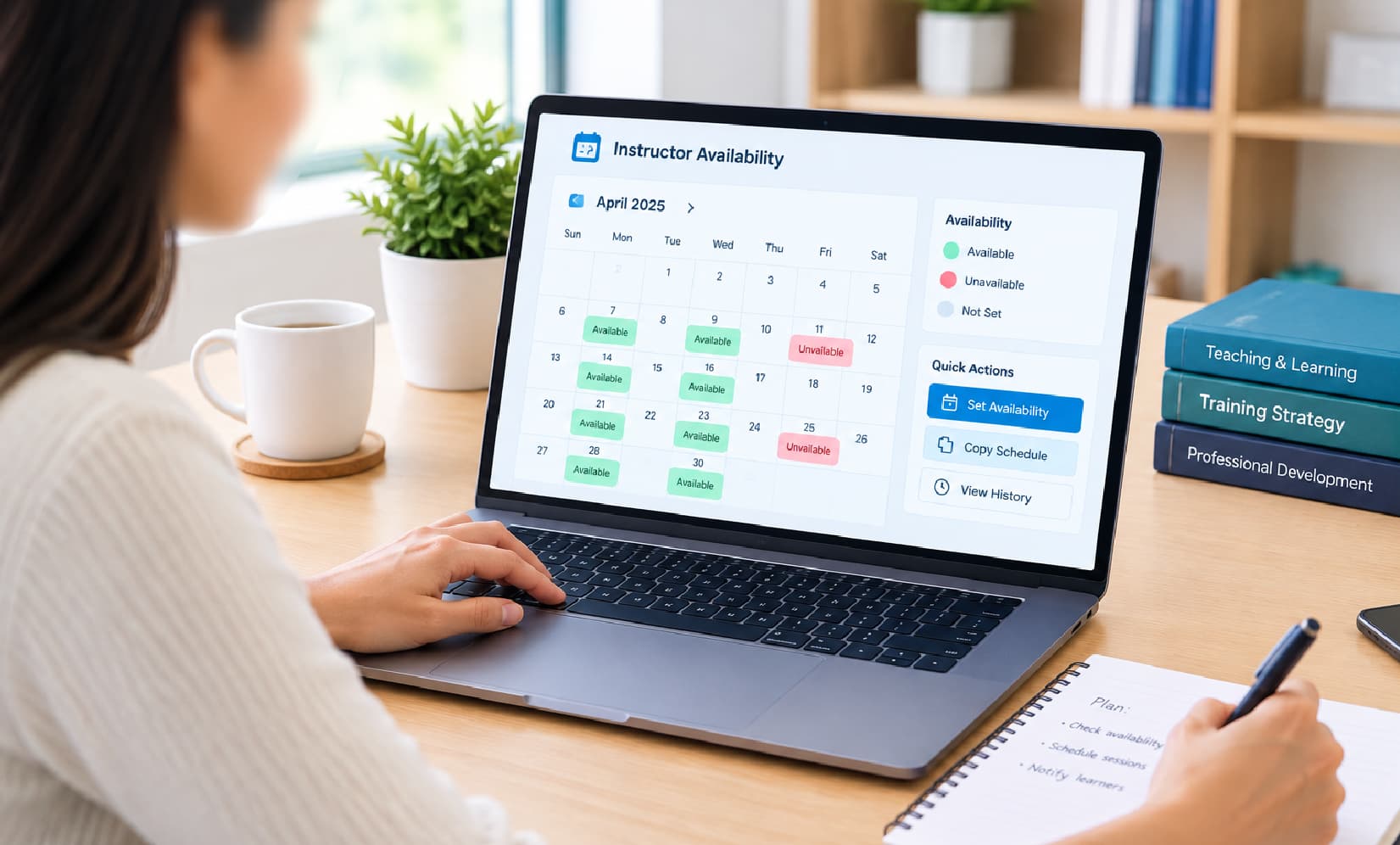
Instructor availability planning
Confirm the assigned instructor’s availability before the class assignment is published to learners.
- Availability confirmed first
- Reduces assignment conflicts
- Applied before publishing

Workload distribution
Balance class assignments across the instructor team, keeping session load spread evenly.
- Workload spread across trainers
- Visible across the calendar
- Supports fair assignment
One view of every class assignment
Administrators managing multiple batches and instructors need a centralized way to see which classes have assigned trainers and which don’t.

Centralized
Class assignments are managed centrally, giving administrators one place to see which instructors are assigned to which sessions.
Calendar-linked
Because class assignment is tied directly to the training calendar, administrators see instructor assignments alongside session timing, room allocation, and attendance.
Availability-aware
Class assignments reference confirmed instructor availability, reducing the chance of assigning a trainer to a session they can’t deliver.
Consistently tracked
Whether it’s a one-off session or part of a recurring series, class assignments are recorded and tracked the same way.
Frequently asked questions
Assign instructors to every class,
faster
See how e-trainia’s class assignment tools help you match instructors to sessions across every batch and program.