
Reschedule one session without touching the rest
Flexible schedule adjustments
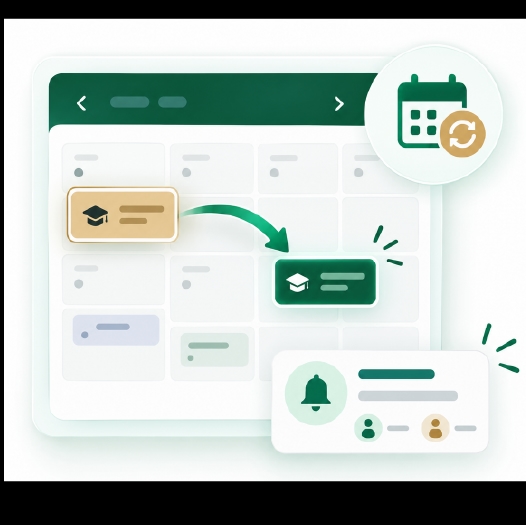
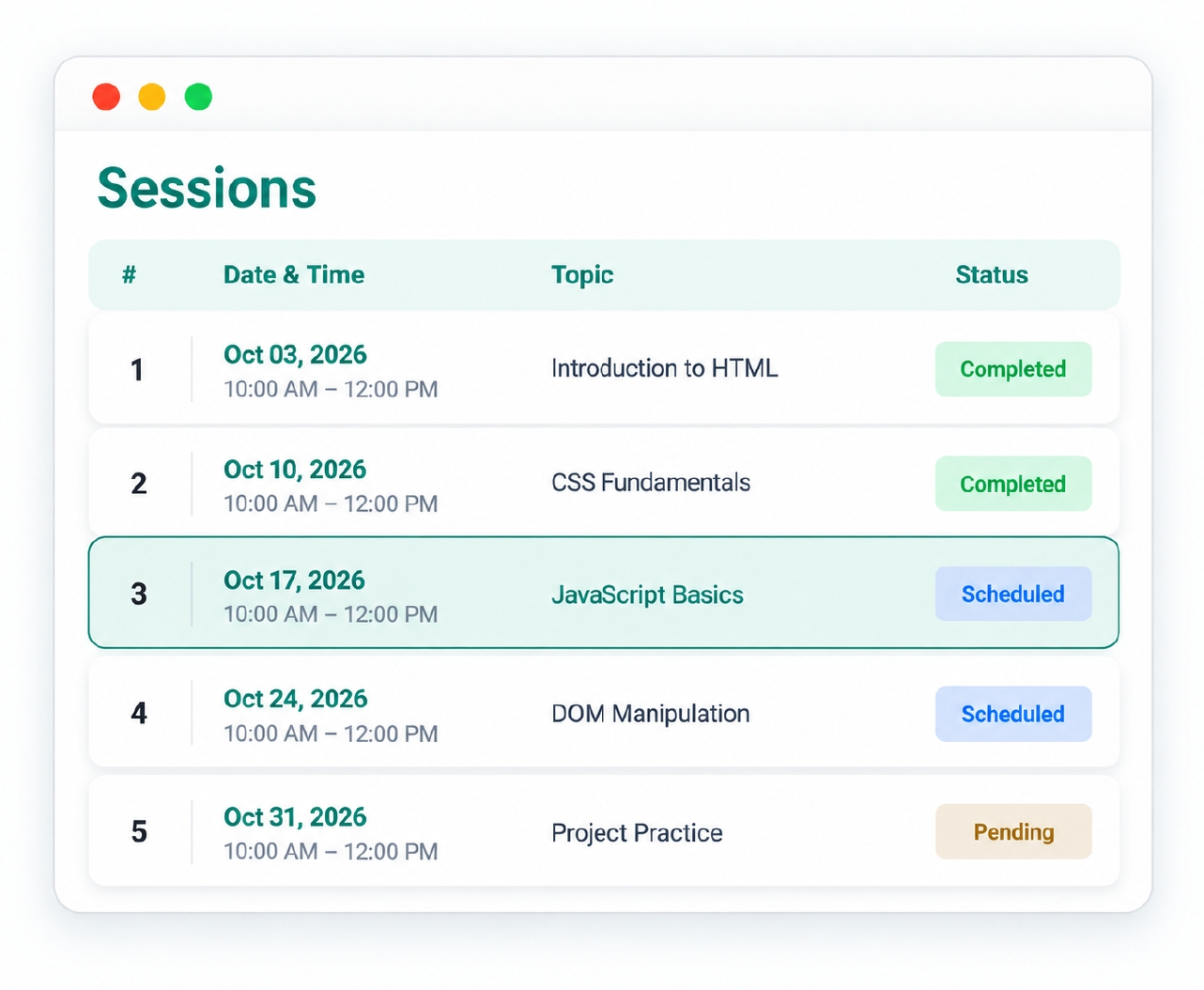
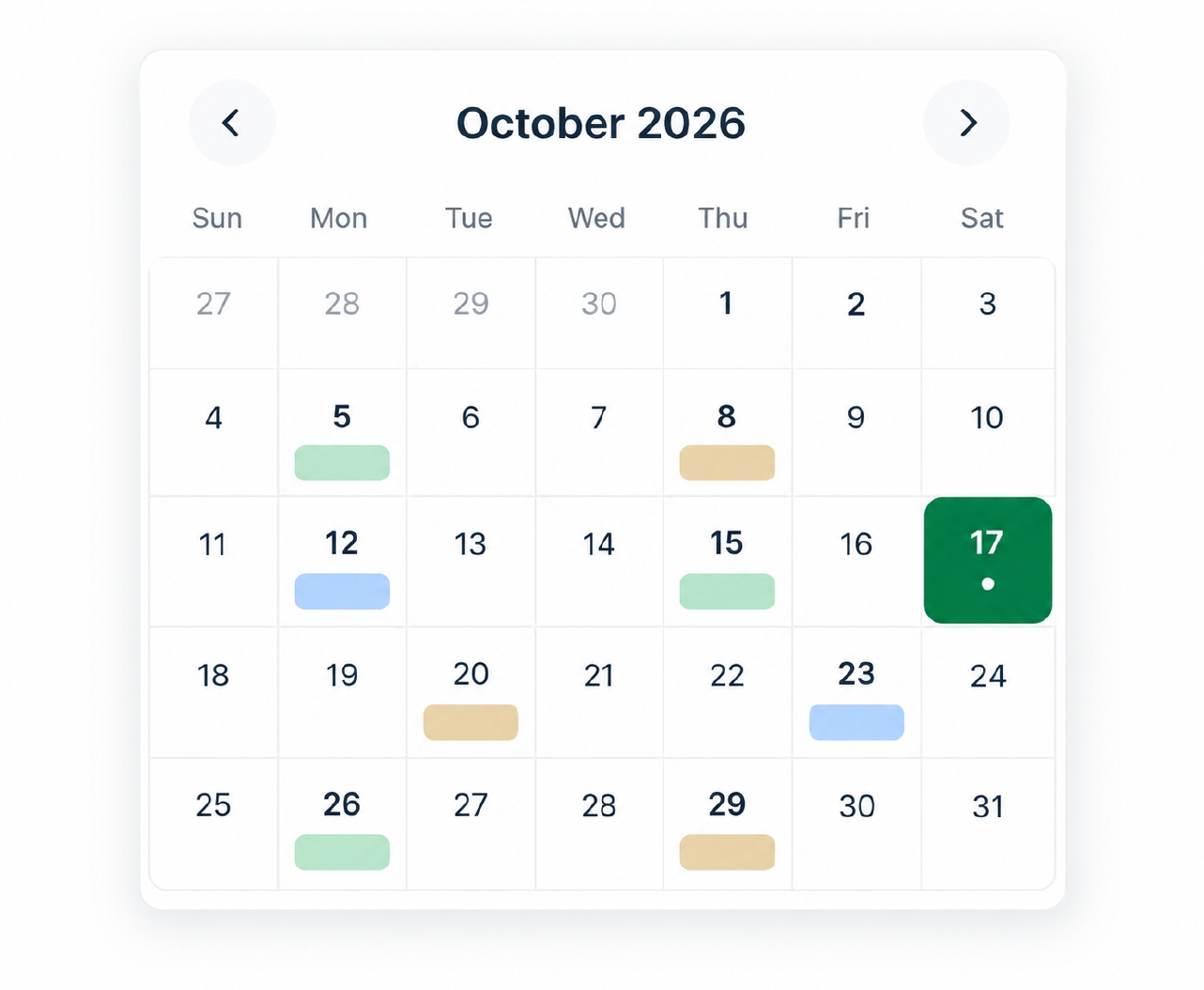
Move individual sessions without disrupting the rest of your training calendar.

Everyone notified instantly
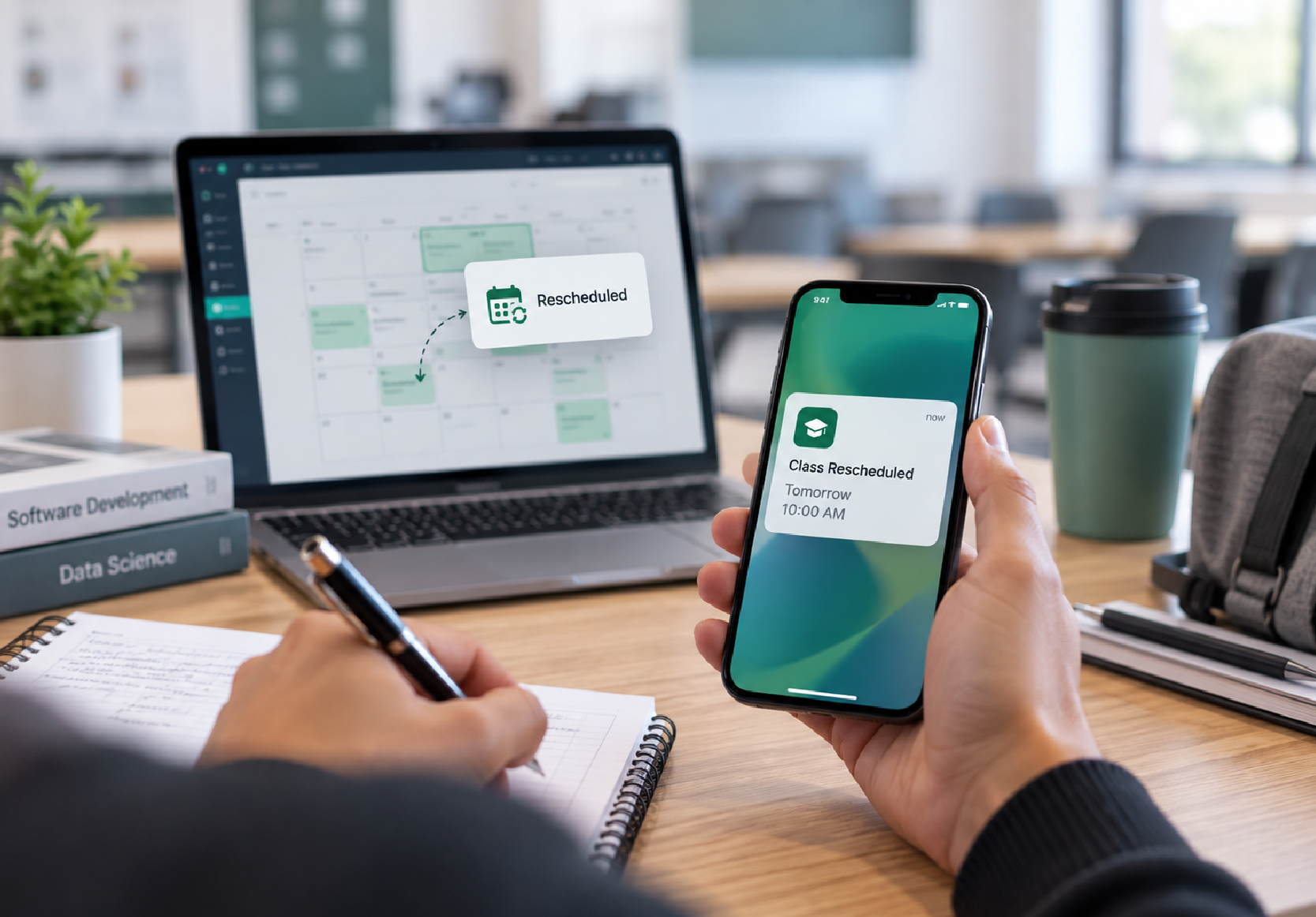
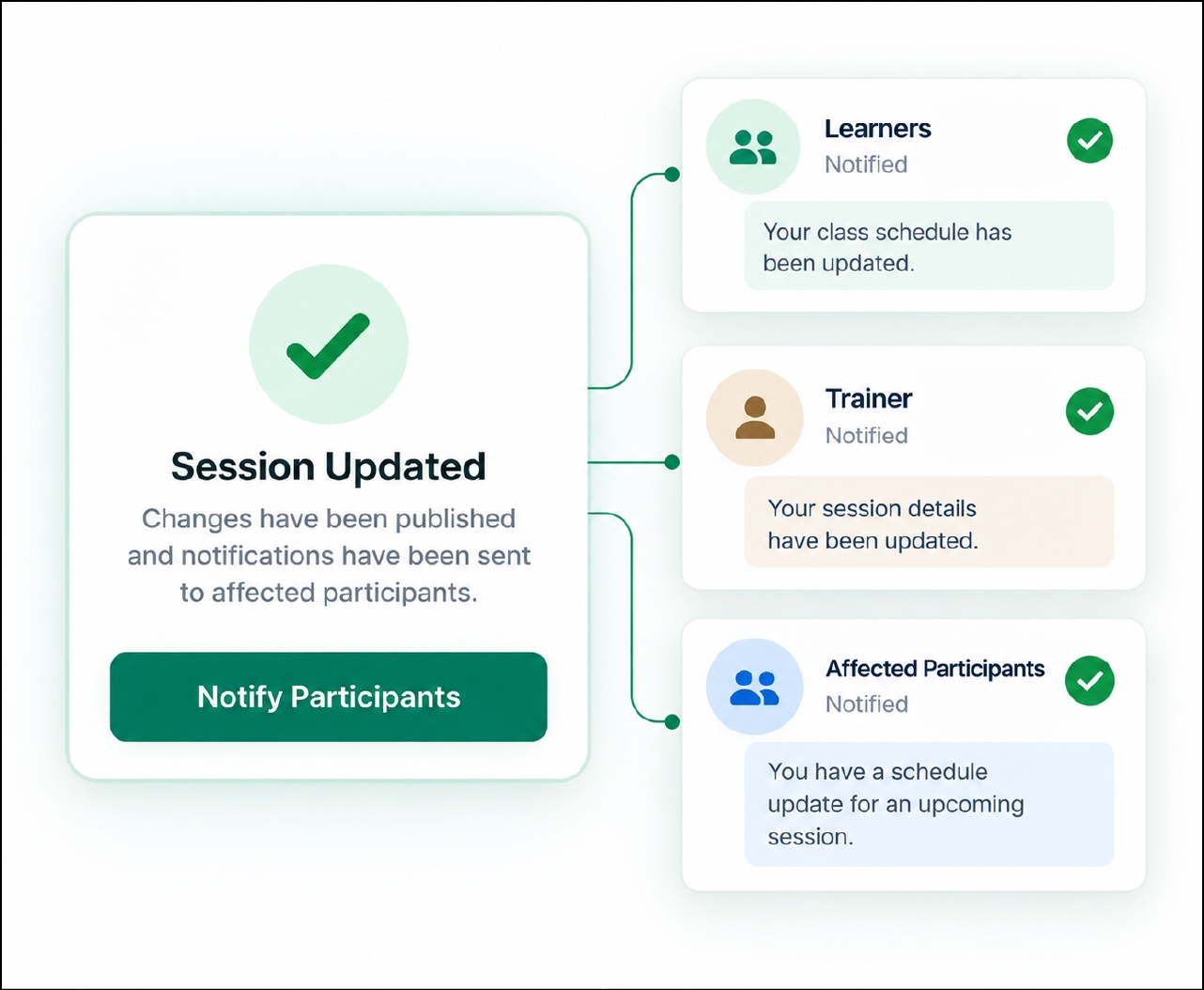
Update a single session and automatically keep learners and trainers informed with real-time schedule notifications.
Changing one session shouldn't take an hour Auto-Scheduling

Manual recreation
Without built-in rescheduling, moving a single session often means manually updating a spreadsheet and resending emails.
Manual recreation
Without built-in rescheduling, moving a single session often means manually updating a spreadsheet and resending emails.
Missed notifications
When a class is rescheduled through informal channels, some learners inevitably miss the update.
Missed notifications
When a class is rescheduled through informal channels, some learners inevitably miss the update.

Disrupted programs
In a multi-session program, a poorly handled reschedule can throw off attendance records and create confusion.
Disrupted programs
In a multi-session program, a poorly handled reschedule can throw off attendance records and create confusion.
From change request to updated calendar, in minutes
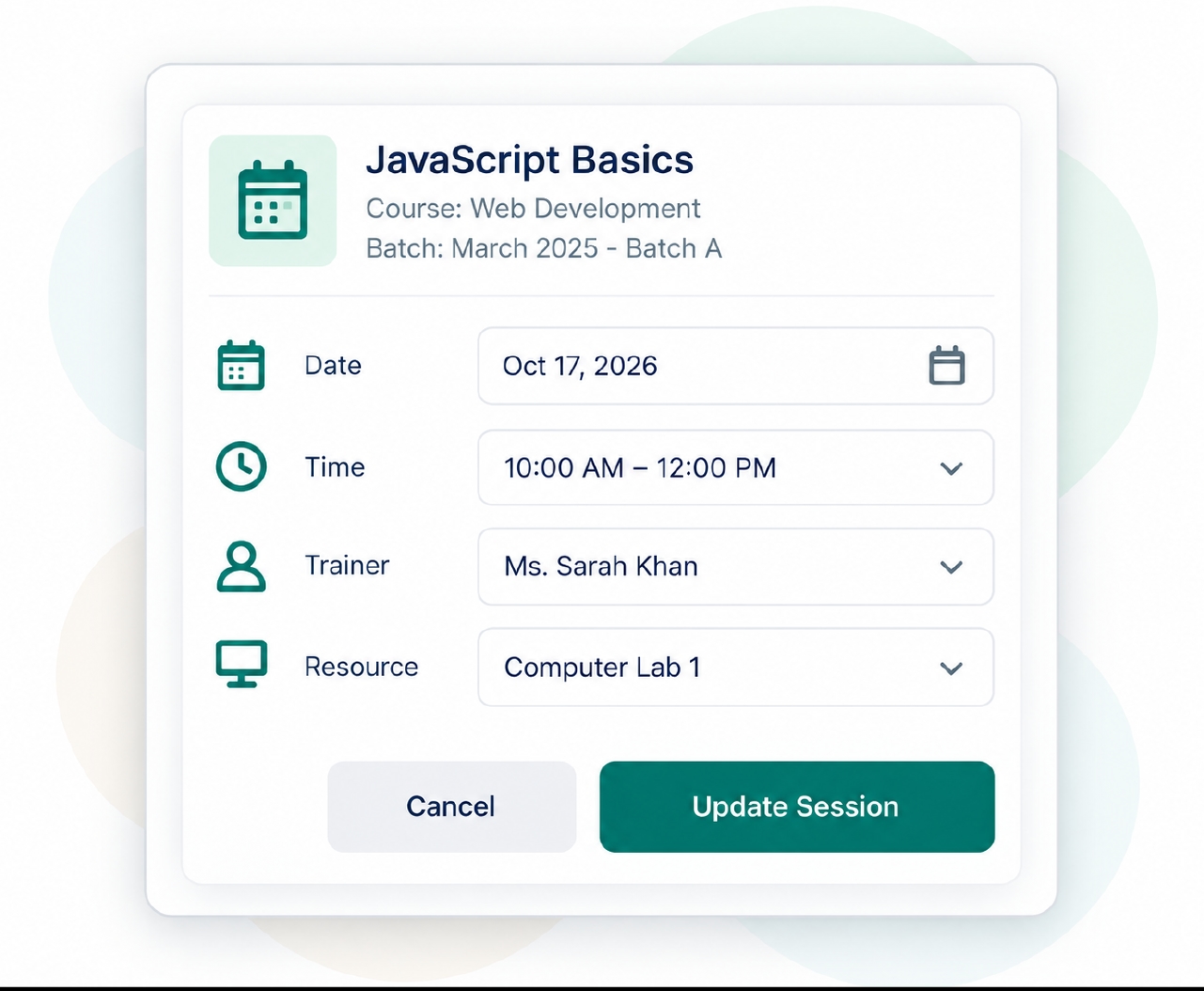
e-trainia turns rescheduling into a simple, defined process — from identifying the session that needs to change to confirming new details and notifying everyone affected, without touching the rest of the schedule.
No one finds out by accident
A rescheduled session only works if the right people find out about it immediately, not after the fact.

Real-time notifications
Learners and trainers affected by a rescheduled session receive real-time notifications as soon as the change is published.
Schedule change alerts
Schedule change alerts specifically flag when a session's date, time, or details have been adjusted.
In-app notifications
Rescheduling updates appear as in-app notifications, directly within the platform learners and trainers already use.
Mobile notifications
Notifications about rescheduled sessions reach learners and trainers on mobile through the Android and iOS apps.
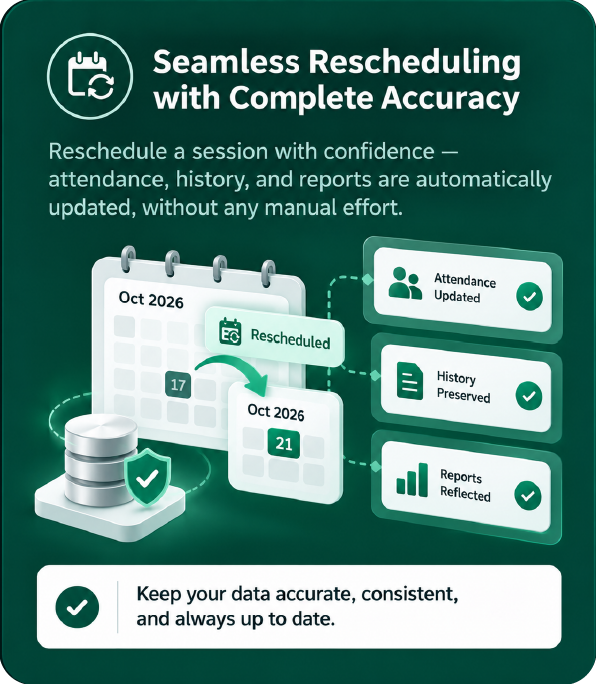
Rescheduling doesn't break your data
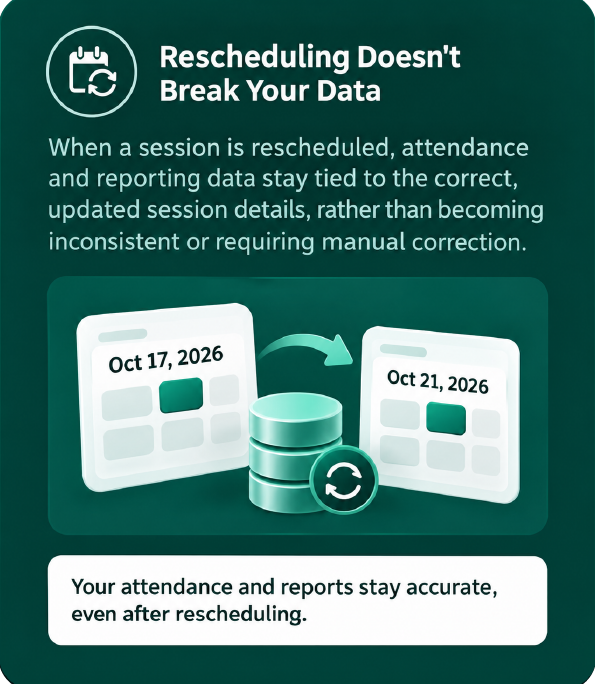
When a session is rescheduled, attendance and reporting data stay tied to the correct, updated session details, rather than becoming inconsistent or requiring manual correction.
Attendance stays accurate
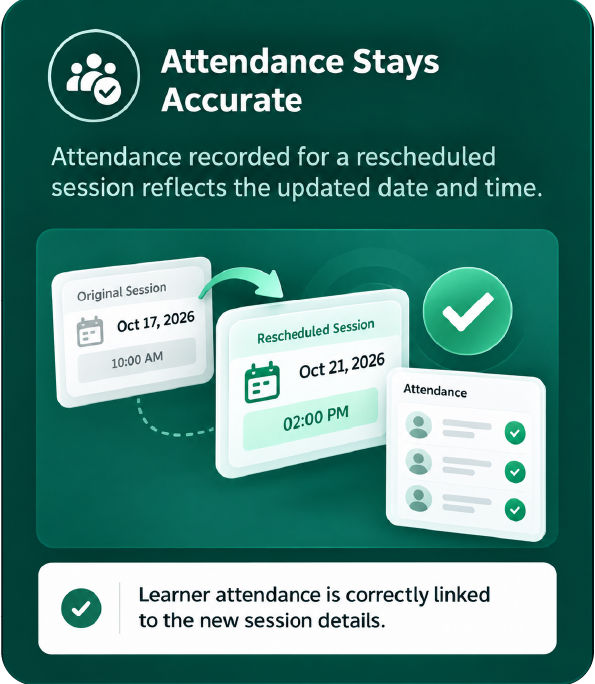
Attendance recorded for a rescheduled session reflects the updated date and time.
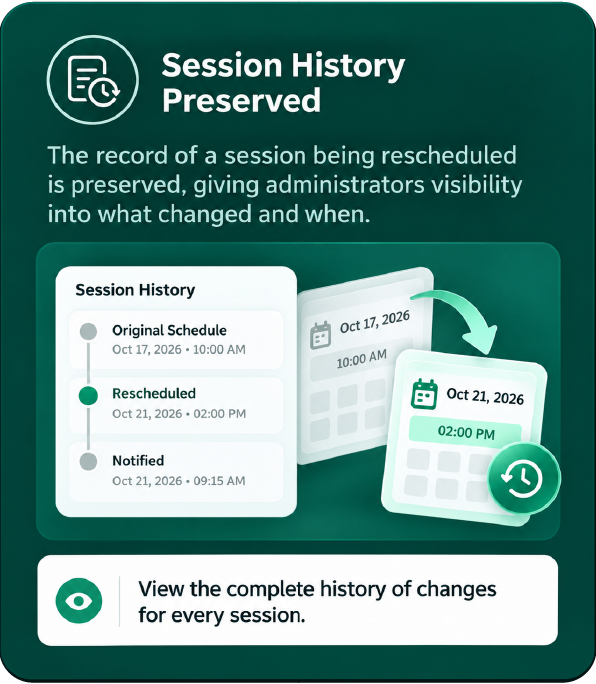
Session history preserved
The record of a session being rescheduled is preserved, giving administrators visibility into what changed and when.
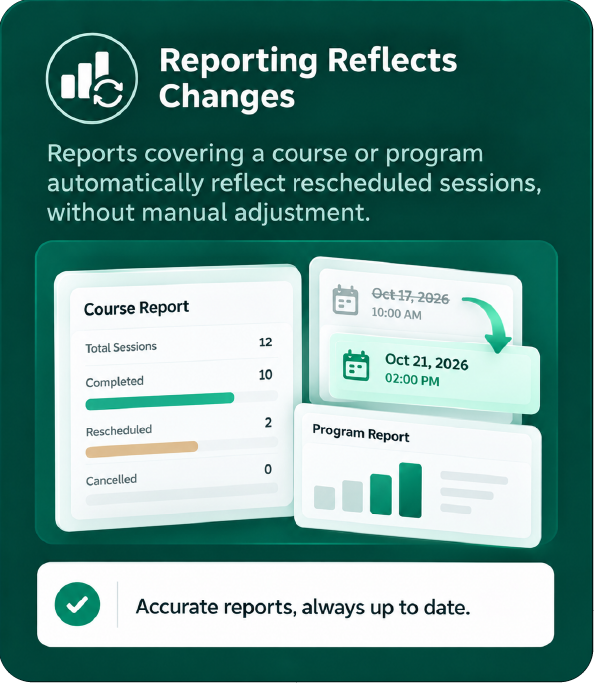
Reporting reflects changes
Reports covering a course or program automatically reflect rescheduled sessions, without manual adjustment.
What stays consistent after a reschedule
Frequently asked questions
Reschedule with confidence,
not chaos
See how e-trainia's schedule adjustments and rescheduling keep your training calendar accurate, with everyone notified automatically.