
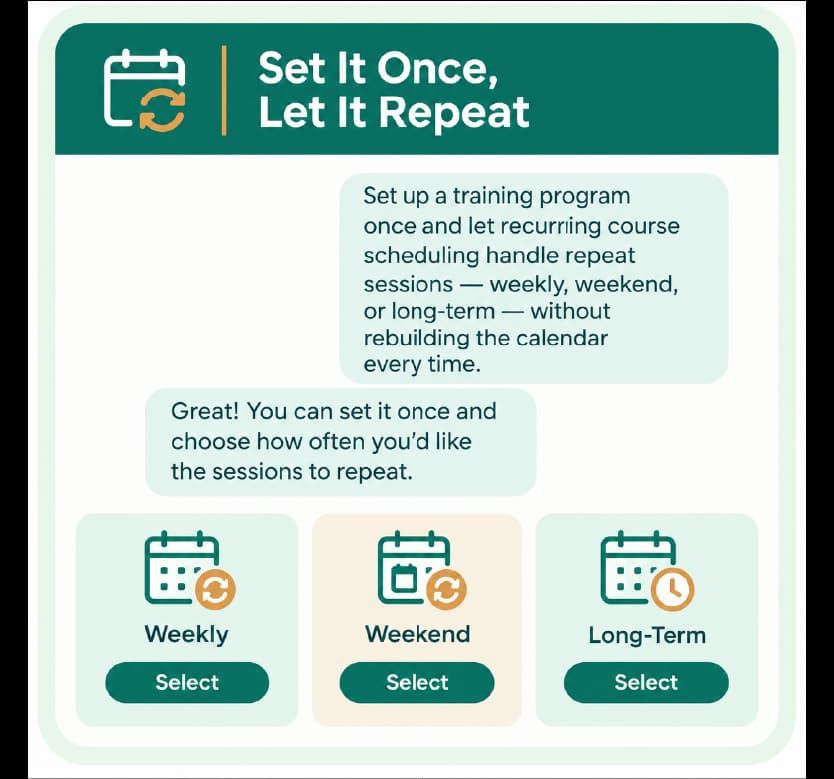
Set it once, let it repeat
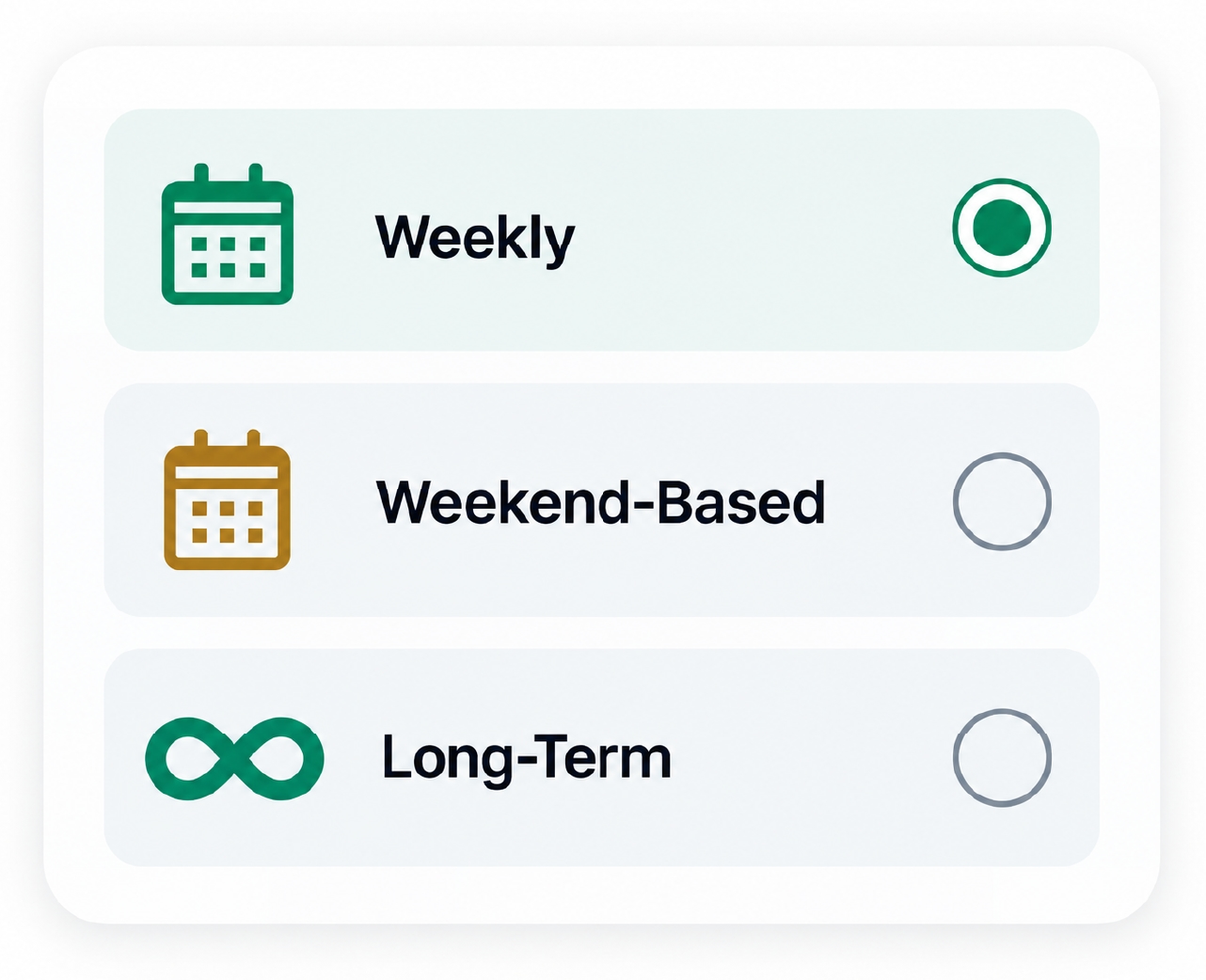
Set up a training program once and let recurring course scheduling handle repeat sessions — weekly, weekend, or long-term — without rebuilding the calendar every time.

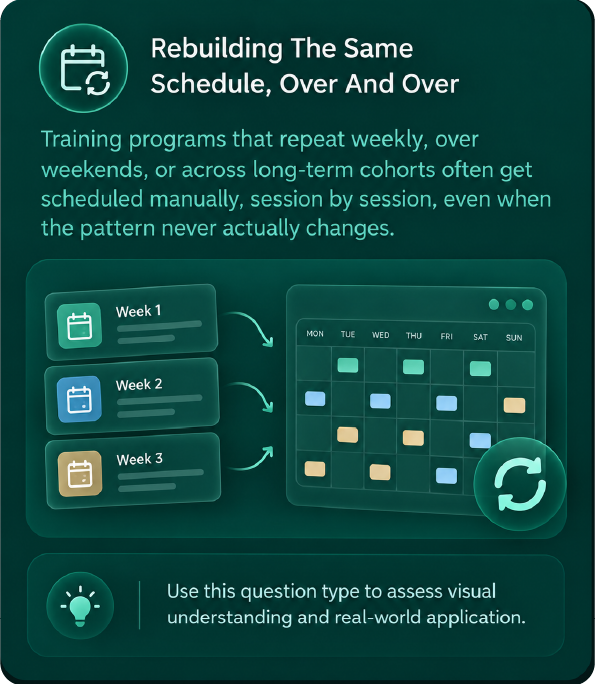
Rebuilding the same schedule, over and over
Training programs that repeat weekly, over weekends, or across long-term cohorts often get scheduled manually, session by session, even when the pattern never actually changes
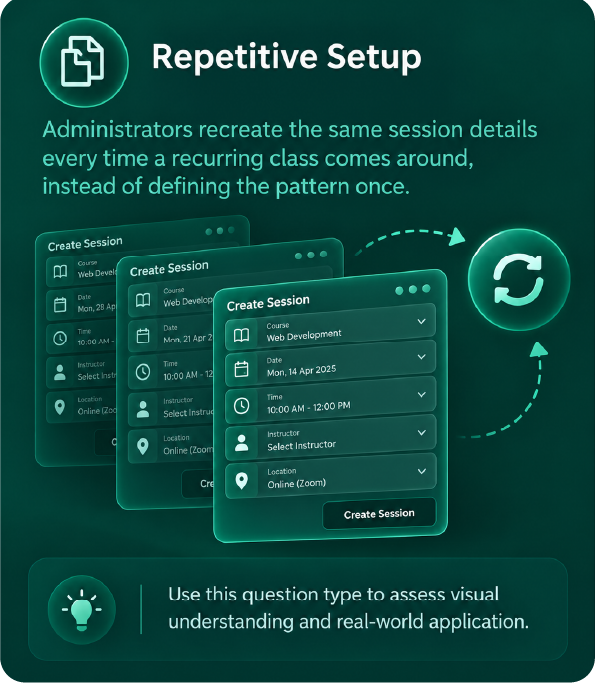
Repetitive setup
Administrators recreate the same session details every time a recurring class comes around, instead of defining the pattern once
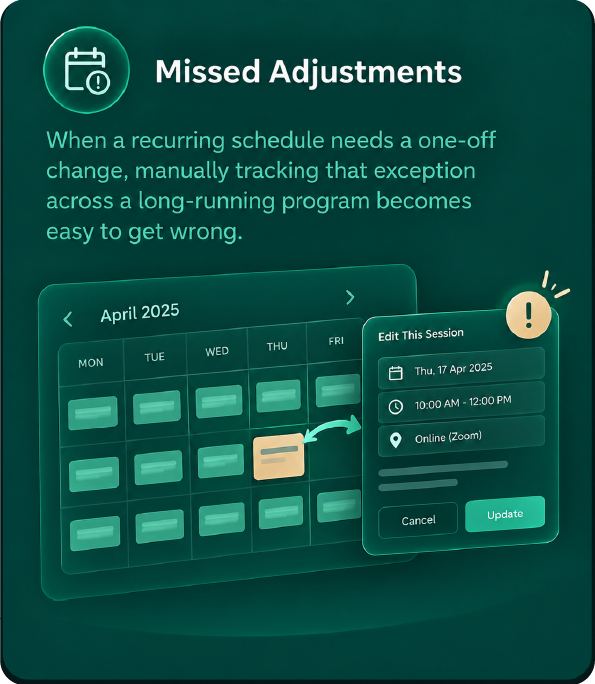
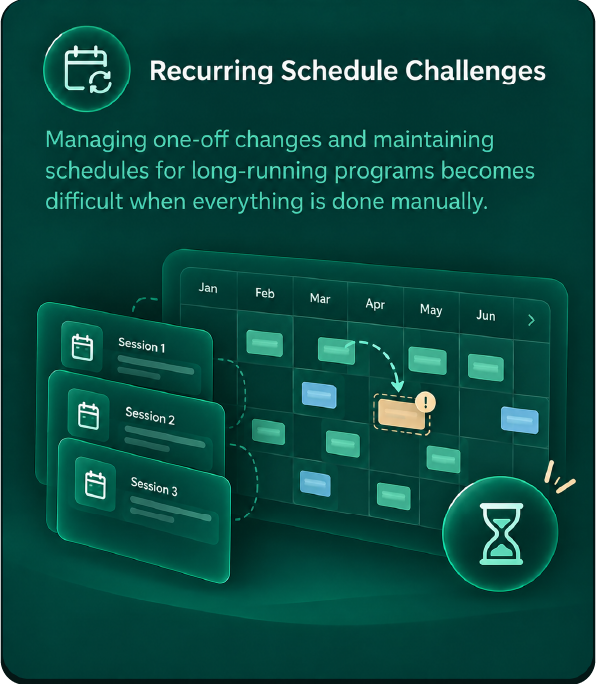
Missed adjustments
When a recurring schedule needs a one-off change, manually tracking that exception across a long-running program becomes easy to get wrong.
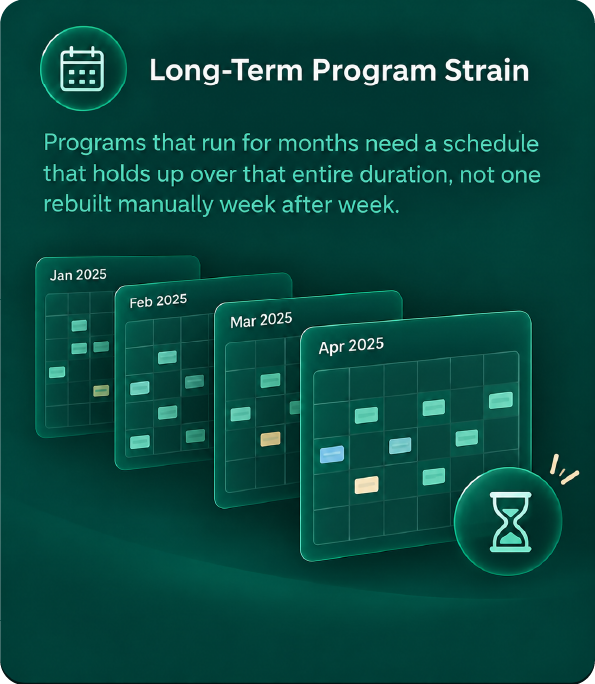
Long-term program strain
Programs that run for months need a schedule that holds up over that entire duration, not one rebuilt manually week after week.
What this costs administrators
One schedule, fully connected
Recurring scheduling isn't a standalone calendar — it connects to trainer assignment, classroom allocation, and attendance tracking across every session it generates.

Recurring course scheduling
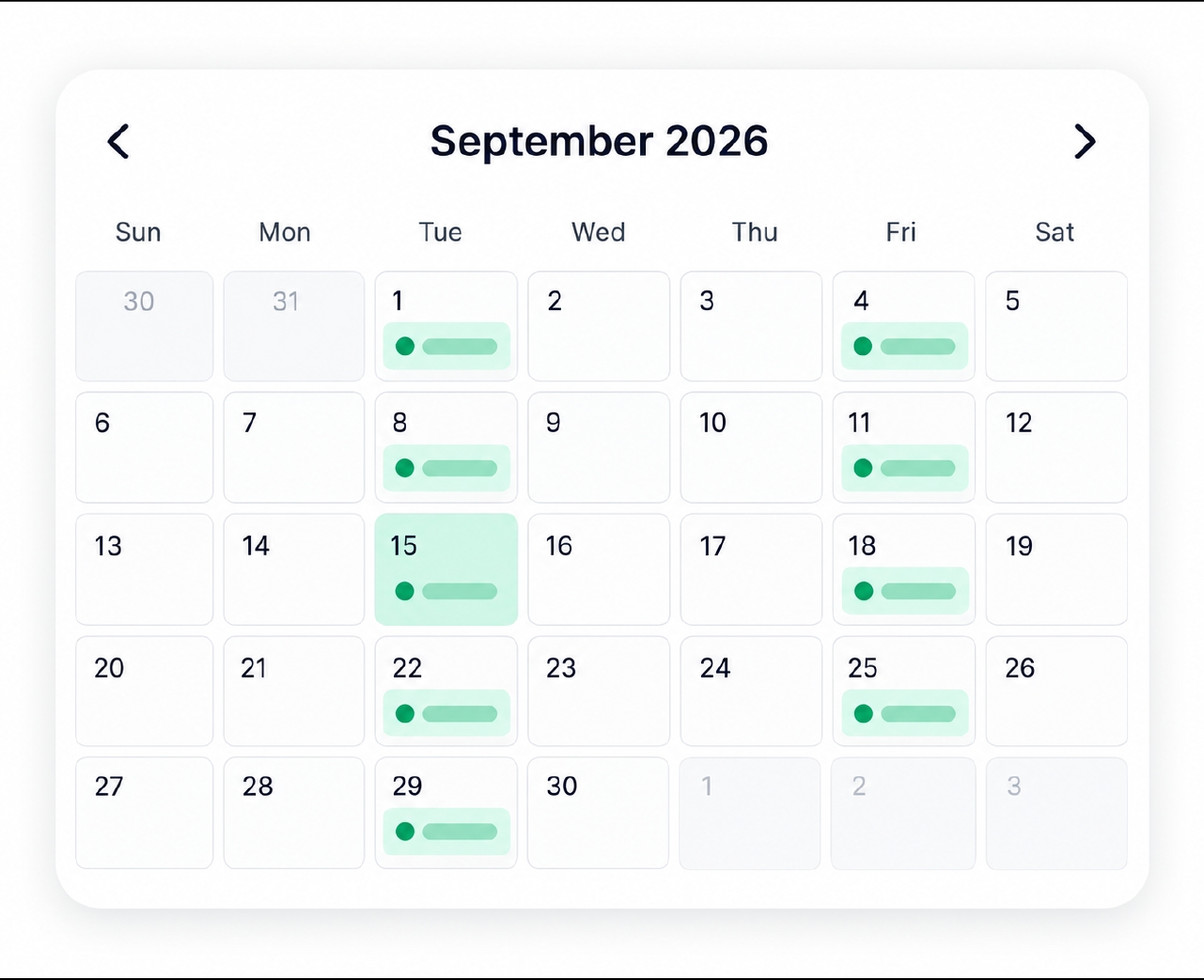
Set the recurring pattern once, and every generated session follows it automatically.
- Pattern defined once
- Sessions repeat automatically
- No manual recreation

Trainer assignment
Trainers assigned to a recurring course carry across every generated session
- Trainer applied across sessions
- Availability planned in advance
- Workload distributed automatically

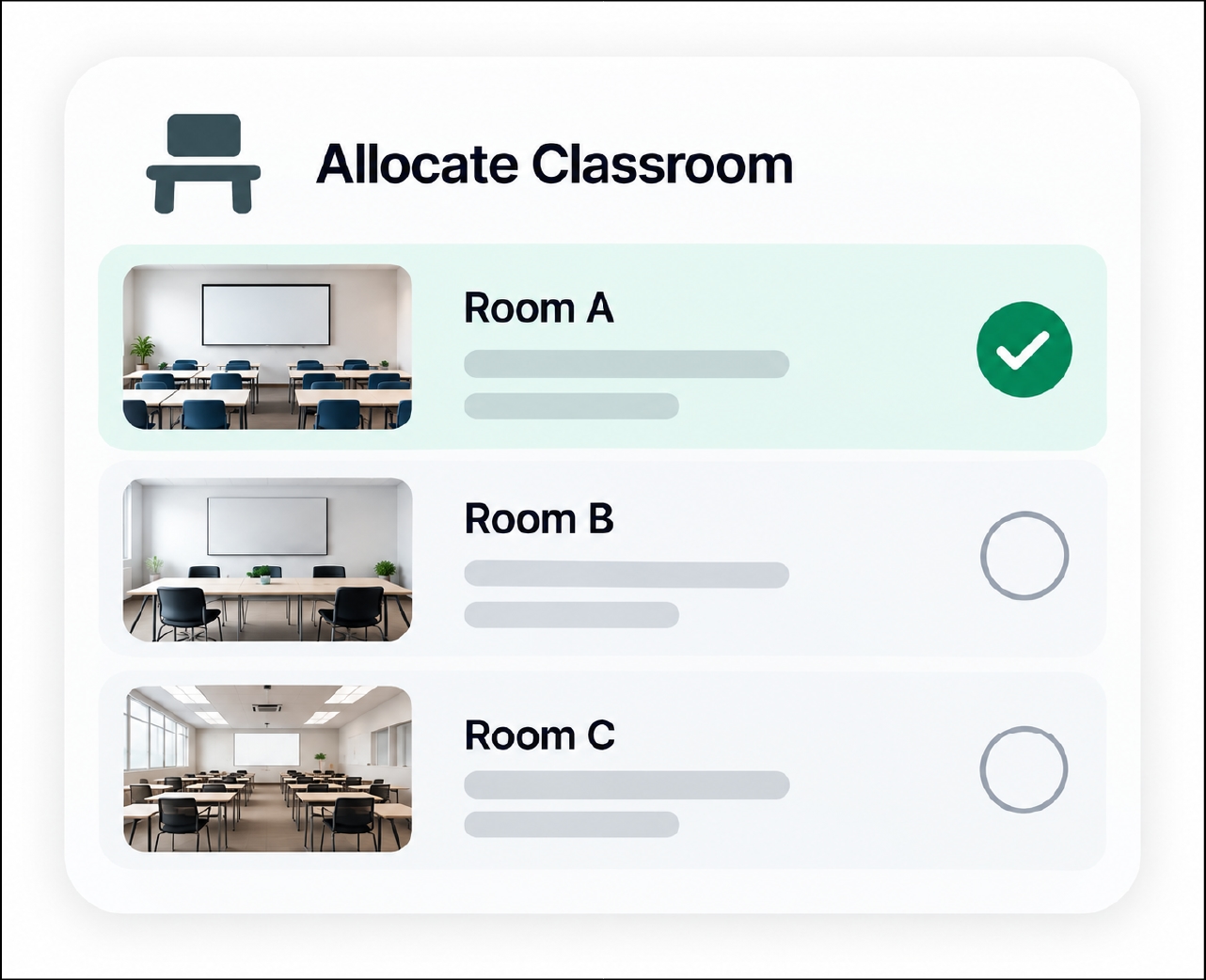
Classroom & resource allocation
Classrooms and resources allocated to a recurring course apply consistently to each session.
- Resources allocated per pattern
- Consistent across sessions
- No repeated manual booking

Schedule adjustments & rescheduling
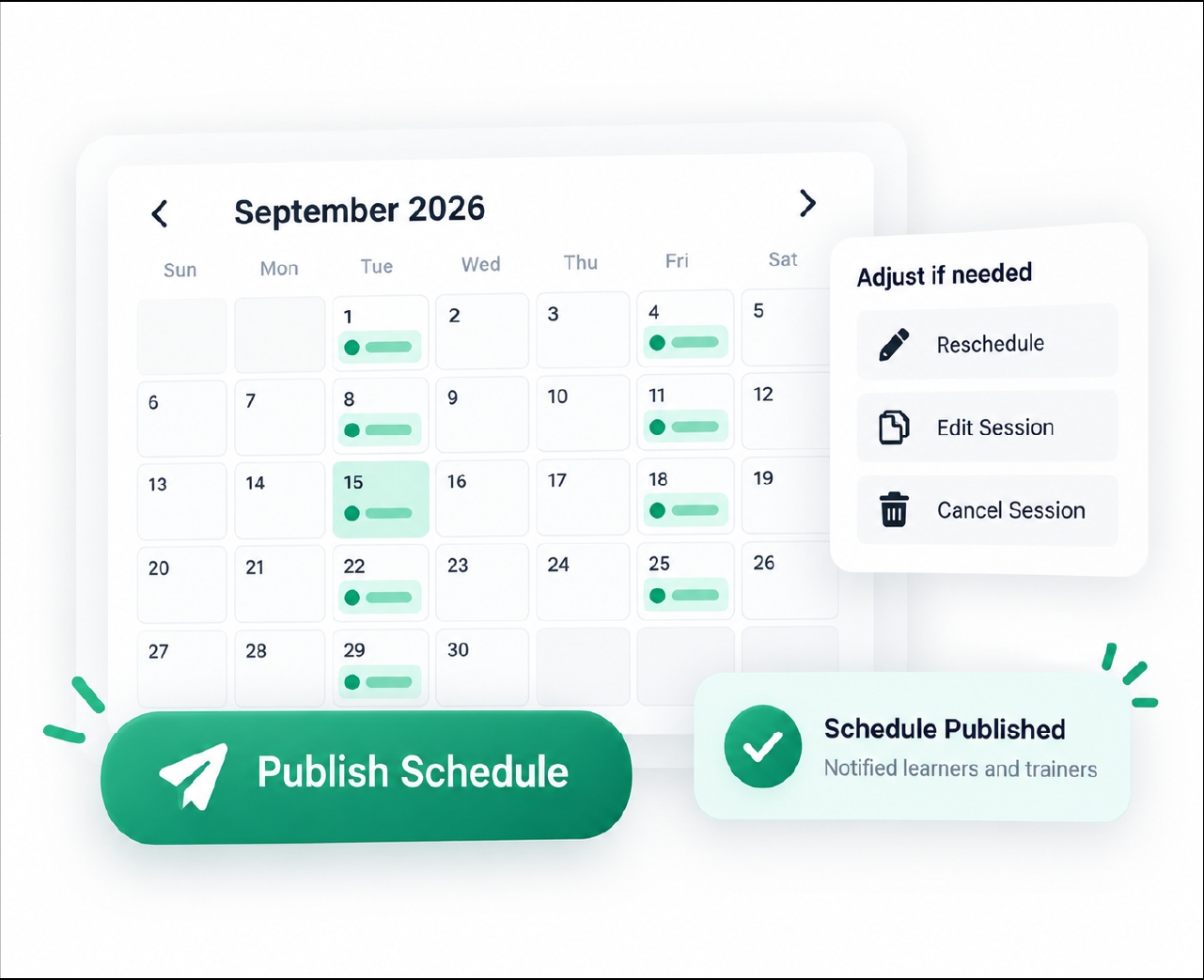
Exceptions to the recurring pattern can be applied without disrupting the rest of the series.
- One-off adjustments supported
- Rest of series stays intact
- Exceptions handled cleanly
Who It's For
Built for programs that repeat
From one recurring pattern to a full program calendar
e-trainia turns recurring scheduling into a defined process — from setting the pattern once to generating every session it implies, publishing the full calendar, and handling exceptions as they come up.
Frequently asked questions
Set your schedule once,
let it repeat
See how e-trainia's recurring course scheduling can handle weekly, weekend, and long-term programs automatically, without manual rebuilding.