
Control who can enroll in every program
Flexible enrollment management
Control program access, manage capacity, and organize learners into the right groups.

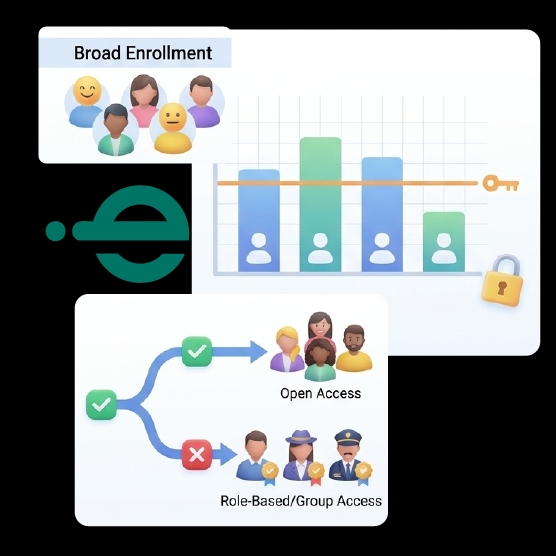
Enrollment settings, at a glance
Manage enrollment rules, batch capacity, learner groups, and access permissions from one centralized dashboard.
Not every course should work the same way
Some training programs need broad, open enrollment. Others need to stay restricted to a specific team, department, or invited group. Managing both without the right controls creates administrative strain.

No capacity control
Without capacity planning, open programs can overfill, leaving administrators to manually manage waitlists or overbooked batches.
No access restriction
Programs intended for a specific team or invited group need enrollment restricted to that audience, or unintended learners can end up enrolled.
Manual group management
Tracking which learners belong in which cohort manually across spreadsheets makes it difficult to keep enrollment aligned with intent.
Inconsistent oversight
Without centralized user management, administrators lack a single view of who is enrolled where.
Four controls, one system
e-trainia gives administrators four specific, confirmed controls to manage how learners enroll in and access training programs.

Learner enrollment control
Manage who can enroll in a course or batch, applying the level of openness or restriction each program needs
- Administrator-controlled enrollment
- Applied per course or batch
- Not one-size-fits-all

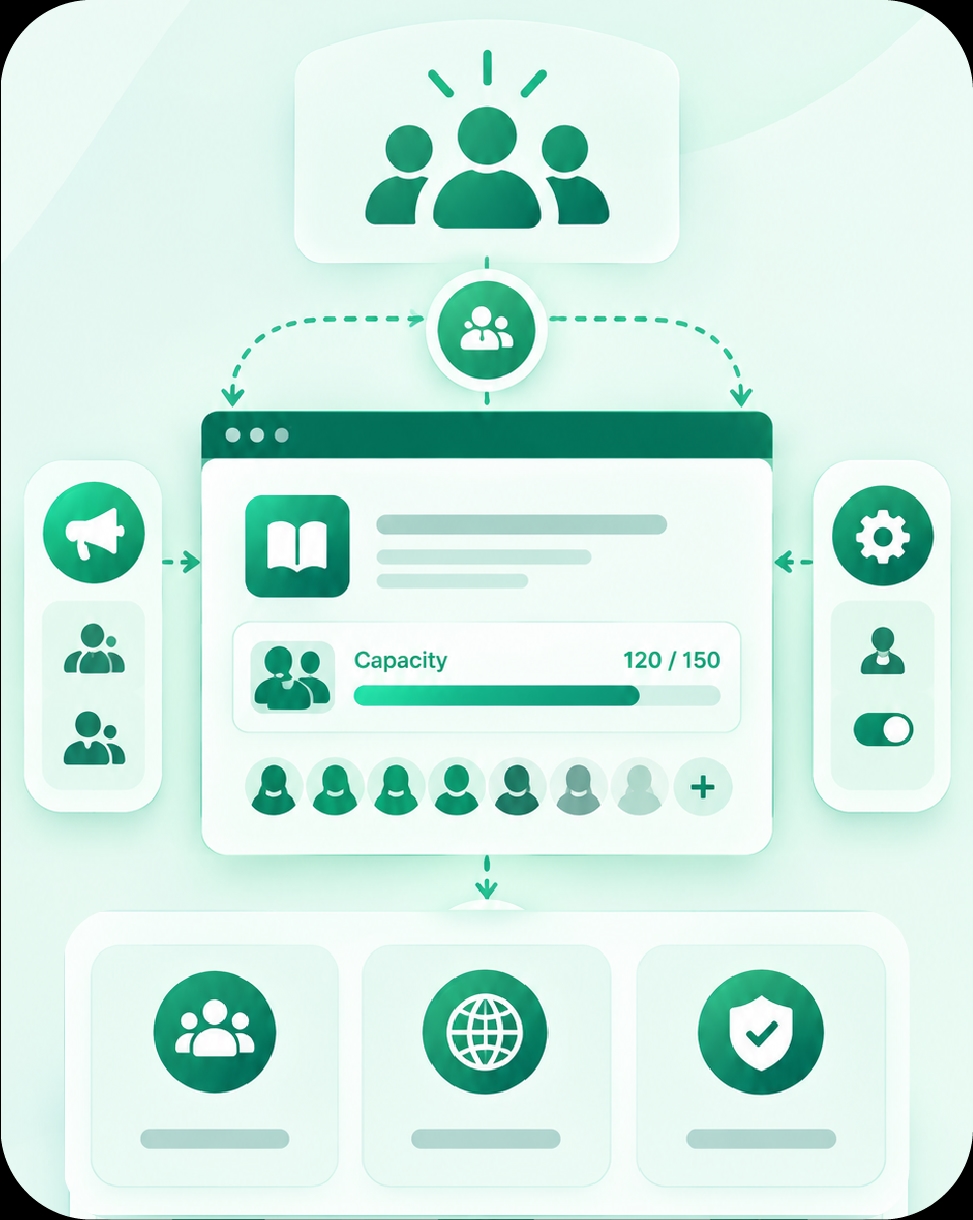
Capacity planning
Set enrollment capacity for each batch, keeping programs from overfilling regardless of how open enrollment is.
- Defined capacity limits
- Applied per batch
- Prevents overenrollment

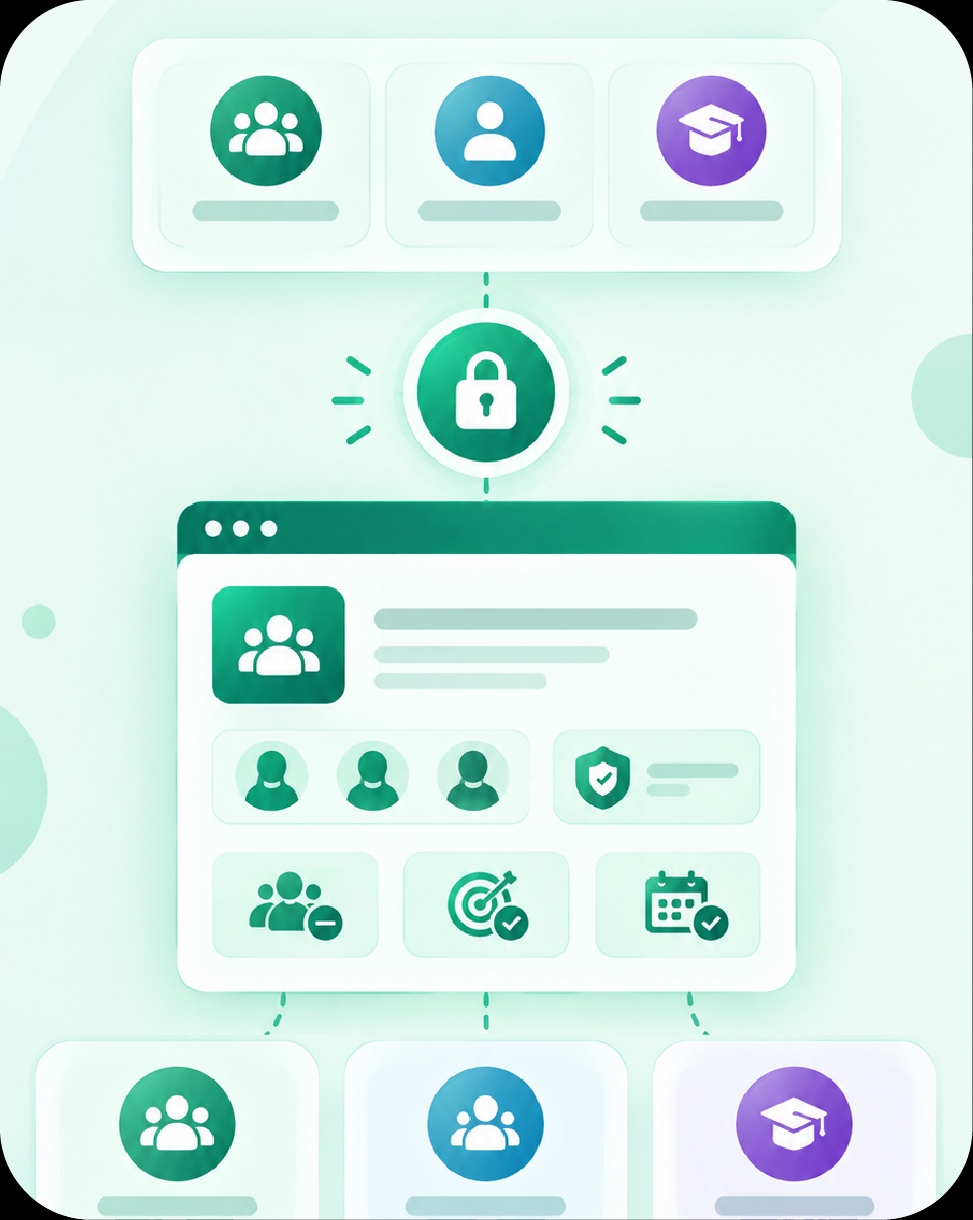
Group-based learning management
Organize learners into groups or cohorts, supporting training restricted to a specific team or department.
- Group-based enrollment
- Cohort-level organization
- Supports restricted audiences

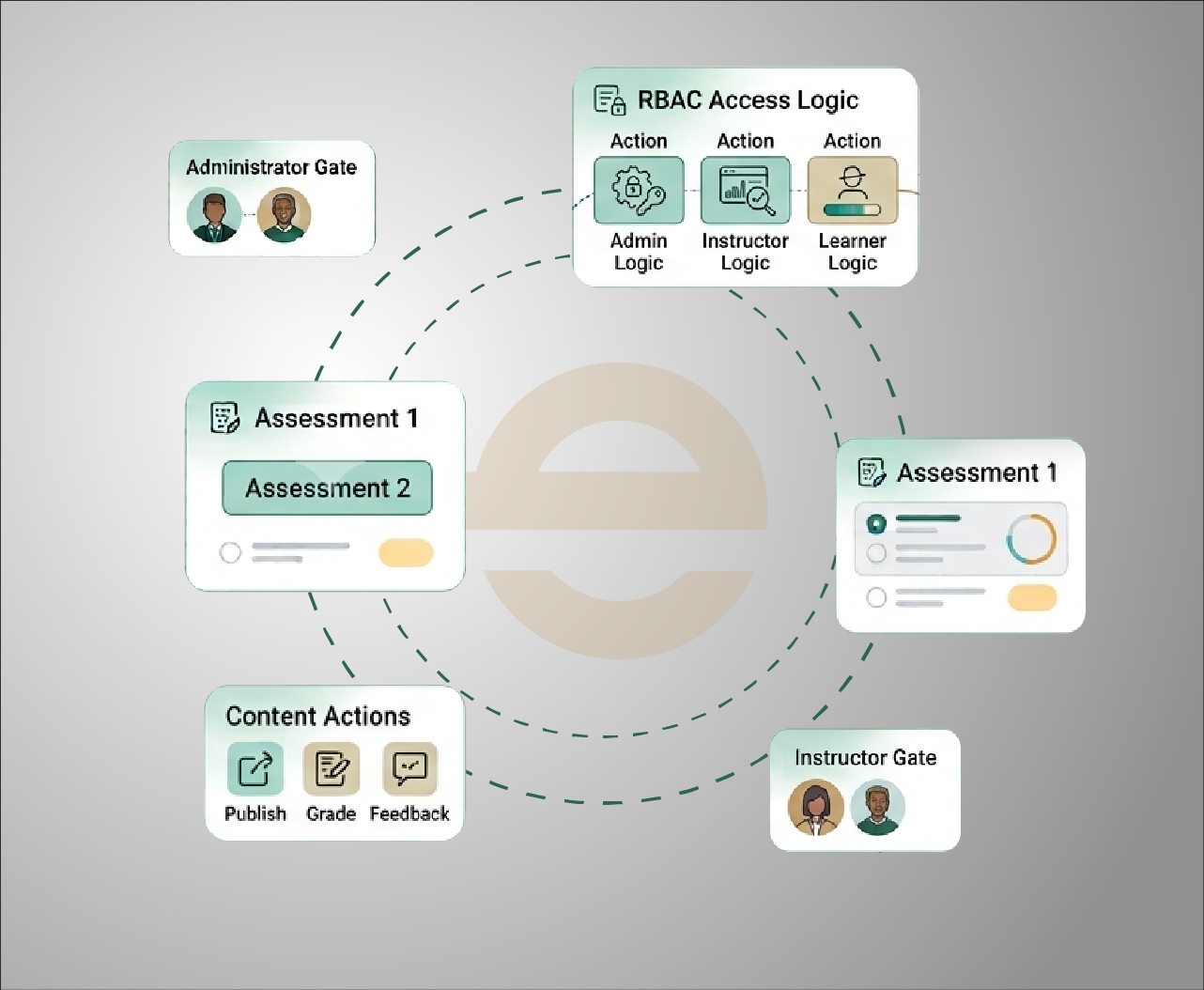
Role-based access control
Apply role-based permissions and access governance, controlling who can view, manage, or enroll in specific programs
- Role-based permissions
- Controlled access governance
- Applies across every program
From program setup to controlled enrollment
e-trainia lets administrators define enrollment rules when a batch is created, applying capacity limits and access controls that determine who ends up enrolled in the program
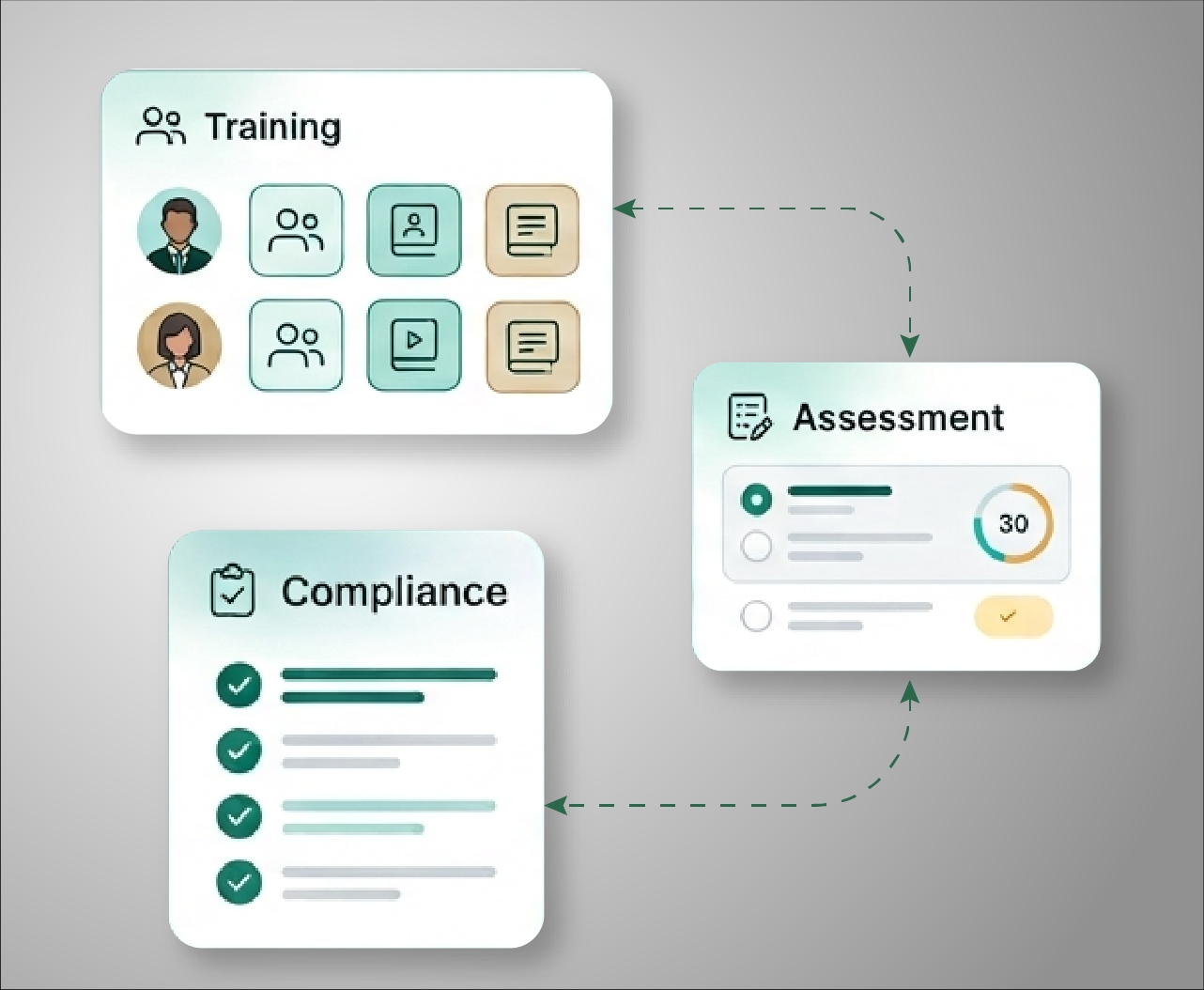
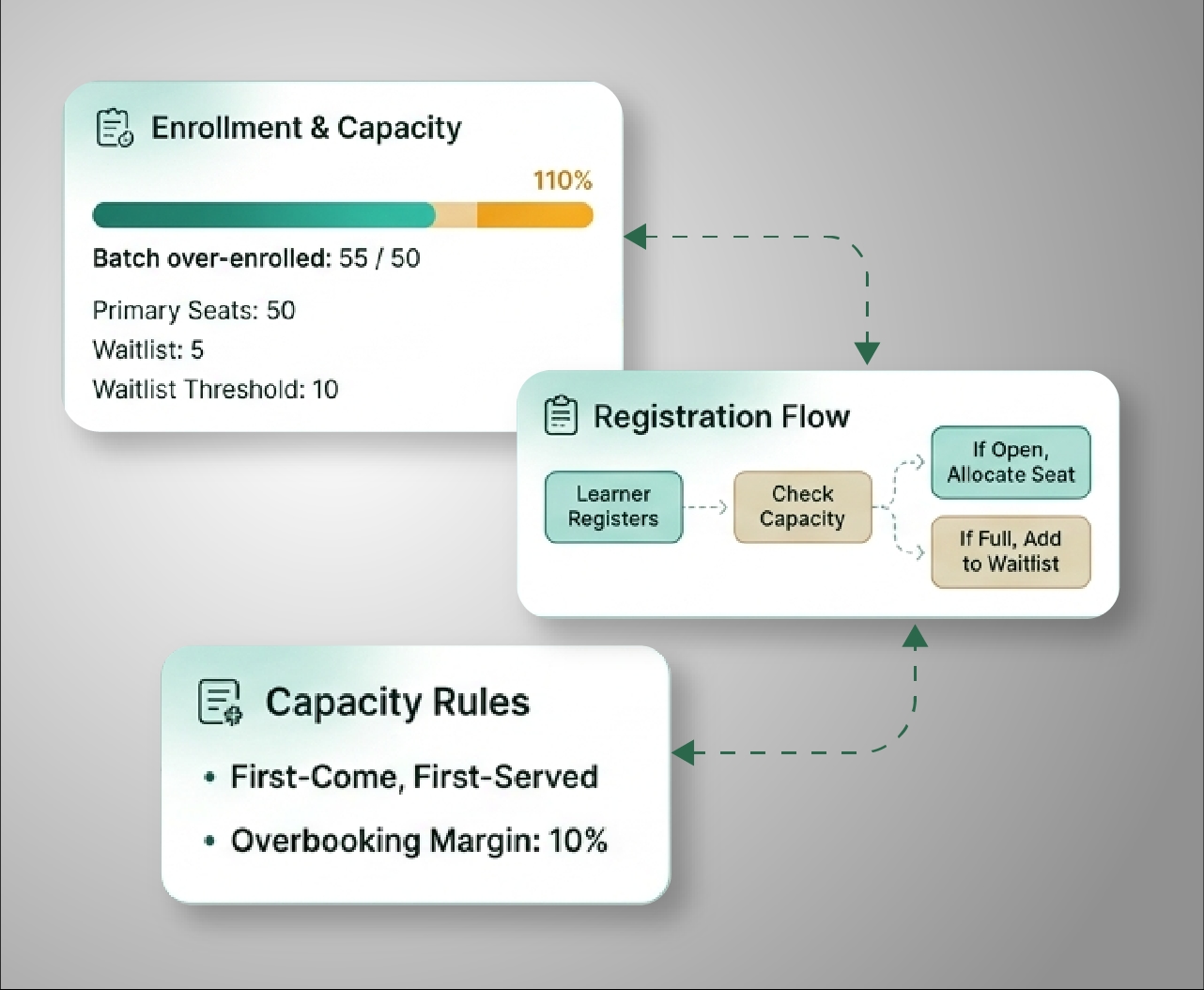
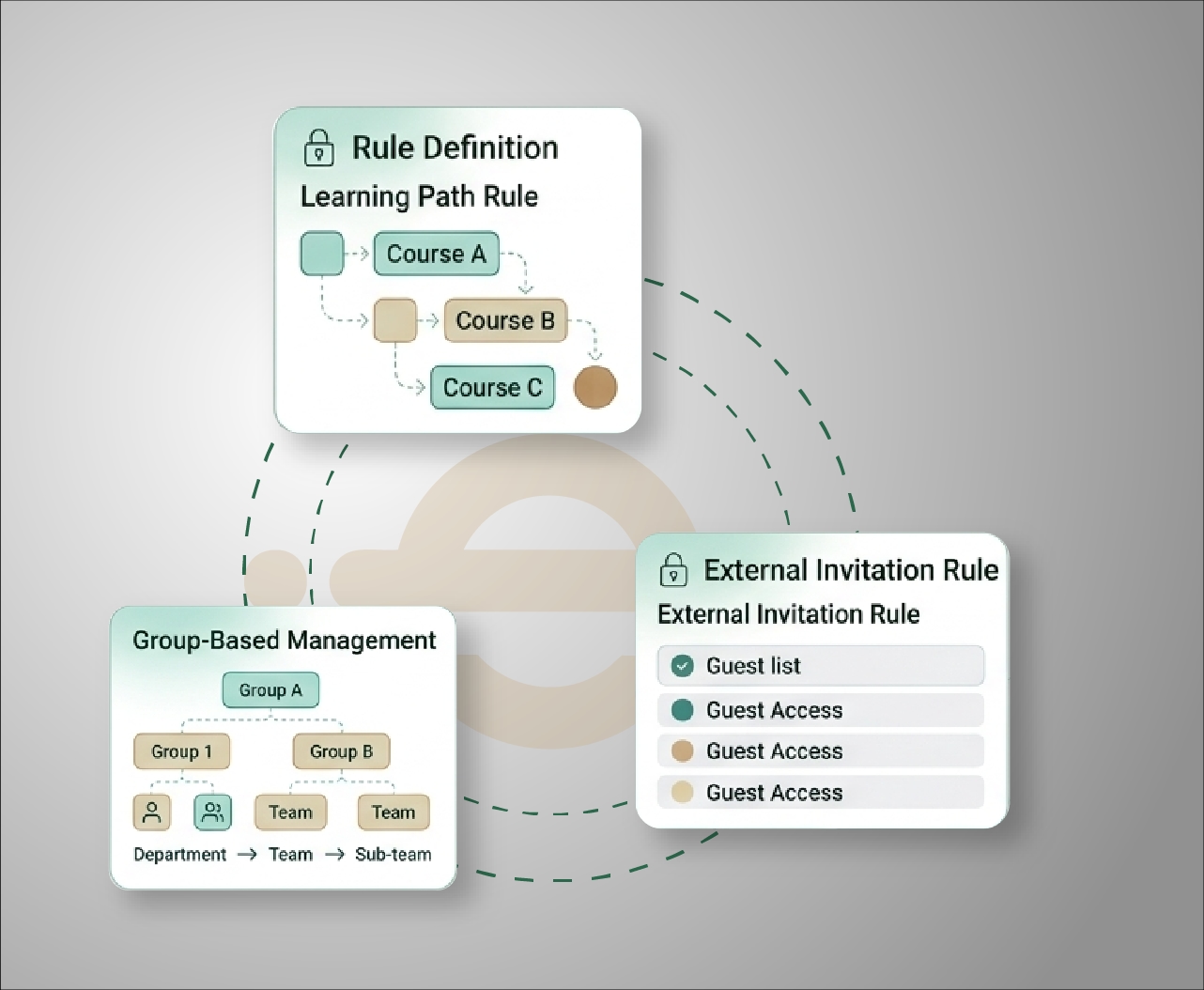
Open enrollment or restricted access
The same underlying tools, applied differently.
Frequently asked questions
Control enrollment for
every program
See how e-trainia's enrollment control, capacity planning, and access governance tools help you manage open and restricted training programs from one platform.